TabFlow: Auto-Group Tabs and Save Workspaces with a Chrome Extension
March 13, 2026
TabFlow is a Chrome extension that automatically groups your tabs by domain rules and lets you save your entire tab group layout as a workspace — then restore it with one click. Available now on the Chrome Web Store.
The Problem
Tab overload is one of the most common productivity drains for anyone working across multiple projects. You open tabs for GitHub, Google Docs, Jira, staging environments, and before long you have 40+ tabs with no structure.
Chrome introduced native Tab Groups to help, but organizing tabs manually is tedious. And if you close Chrome or your session crashes, your carefully arranged groups are gone. There is no built-in way to save and restore a tab group layout.
How It Works
- Install TabFlow and open the popup
- Create domain rules — for example, “github.com” goes into a blue group, “docs.google.com” into a green group
- Click “Group All” or enable auto-grouping to organize tabs automatically
- Save your current tab group layout as a named workspace
- Restore any workspace later with a single click
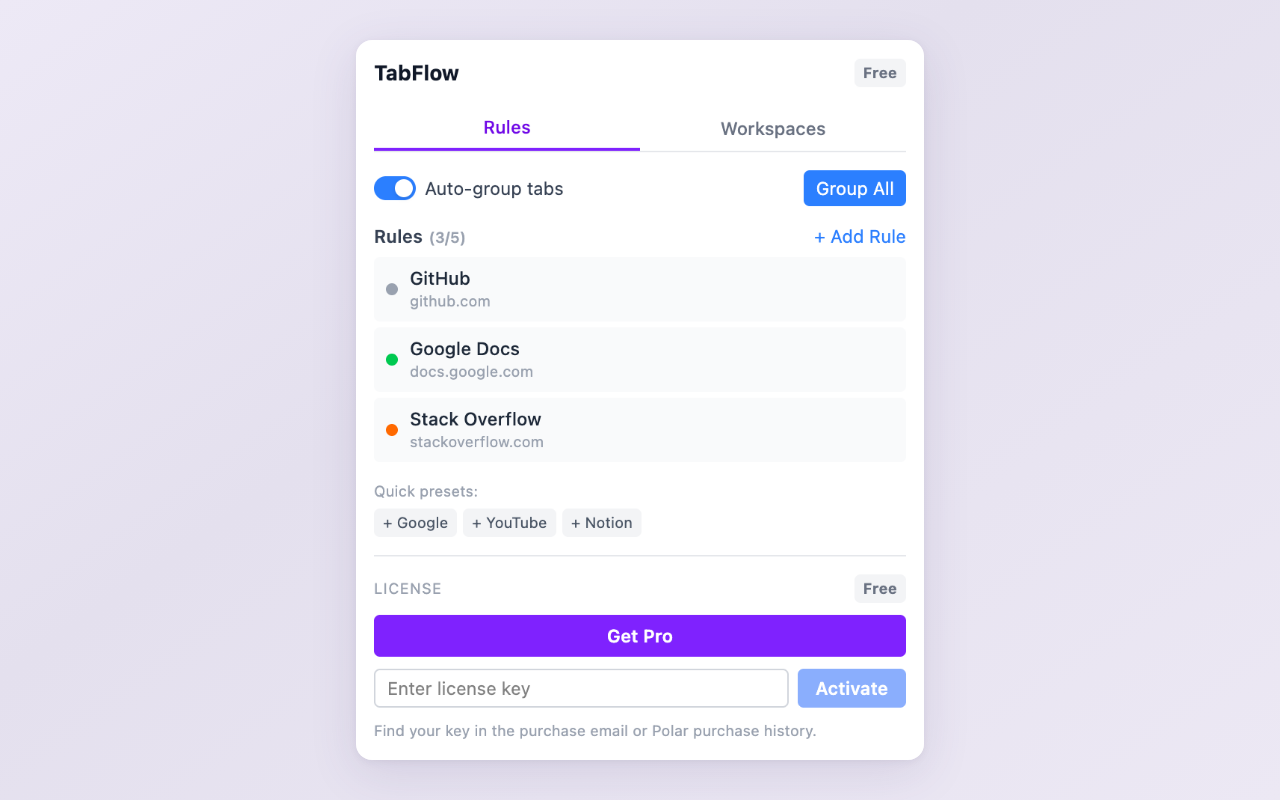
Rules tab — define domain patterns and assign colors
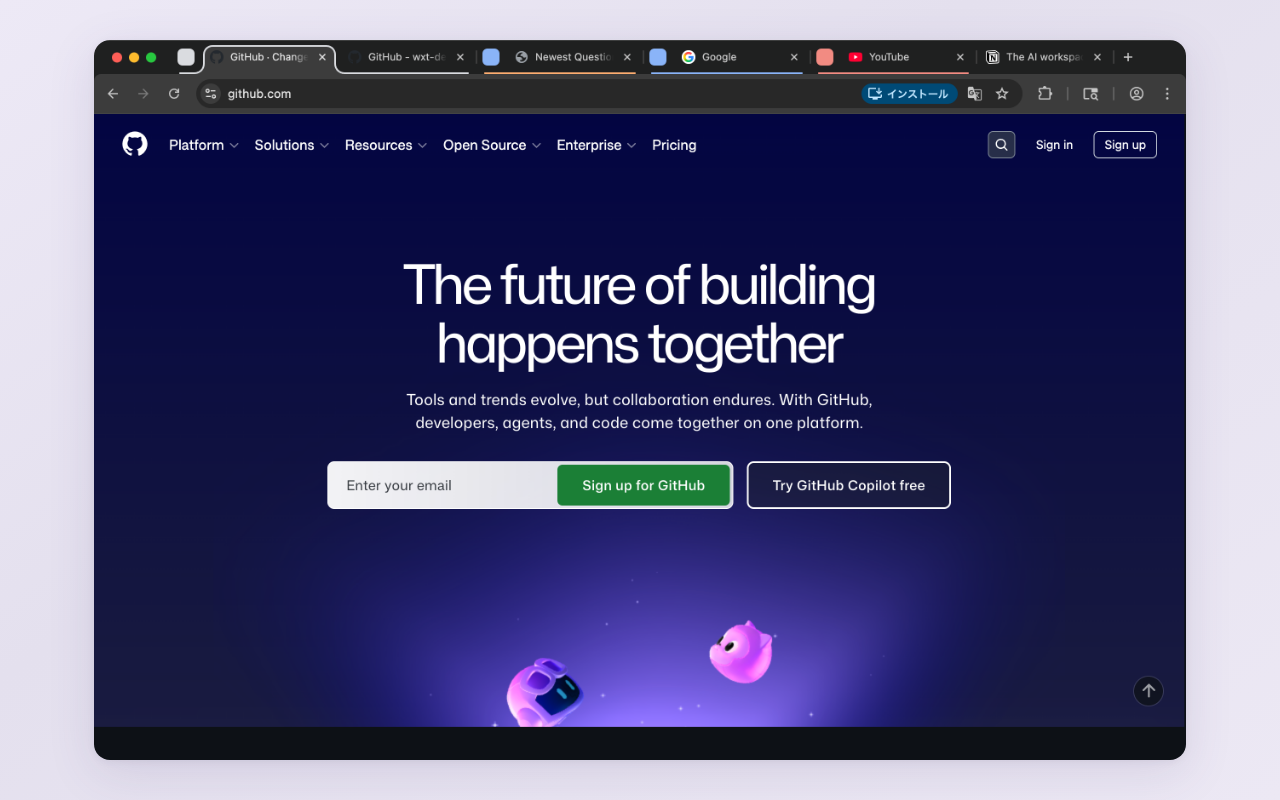
Tabs auto-grouped into Chrome native Tab Groups
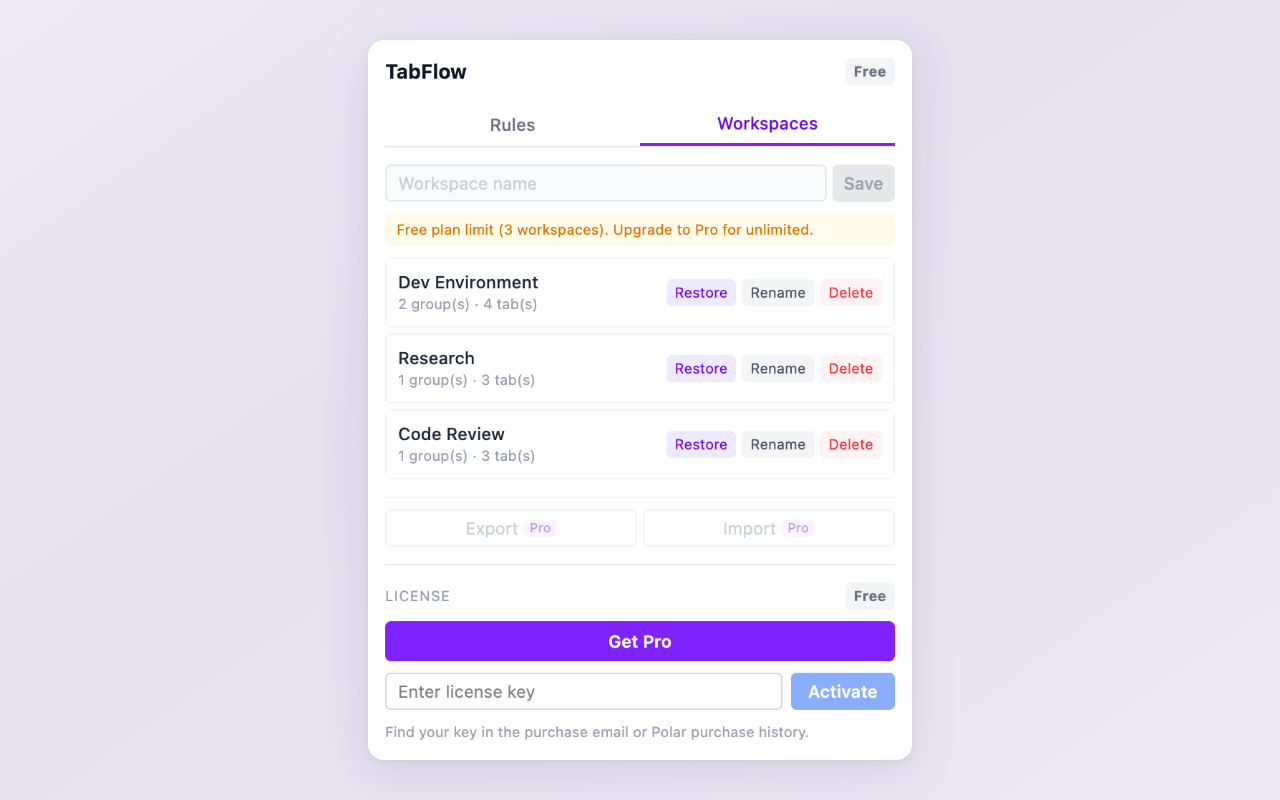
Workspaces tab — save and restore tab group layouts
Key Features
- Auto tab grouping — define domain rules and let TabFlow organize your tabs into Chrome native Tab Groups automatically
- Workspace save & restore — capture your current tab group arrangement and bring it back anytime with one click
- Quick presets — one-click setup for common domains like Google Workspace, GitHub, and social media
- Pattern matching — match domains with contains, starts-with, or regex patterns (Pro)
- Import & export — share workspace configurations as JSON across devices or with teammates (Pro)
- Lightweight — runs entirely in your browser with no external servers or account required
Free vs Pro
The free tier includes up to 5 domain rules, 3 saved workspaces, and contains matching — enough to experience the core workflow. Pro ($9.99, one-time purchase) unlocks unlimited rules, unlimited workspaces, regex pattern matching, and workspace import/export.
Install TabFlow from the Chrome Web Store and organize your tabs in under a minute.
Feedback is welcome — leave a review on the Chrome Web Store page or reach out at [email protected].